
Sell art online
Sell prints, originals, and commissions from your own link.
Make a Flint payment link for each piece and put it on your portfolio site, your Instagram bio, or a newsletter. Collectors pick a size and pay by card, Apple Pay, or Google Pay. Limited editions stop at the edition size, originals sell once, and commissions start with a deposit. You pay one card rate per sale, with nothing to list a piece and no monthly fee.
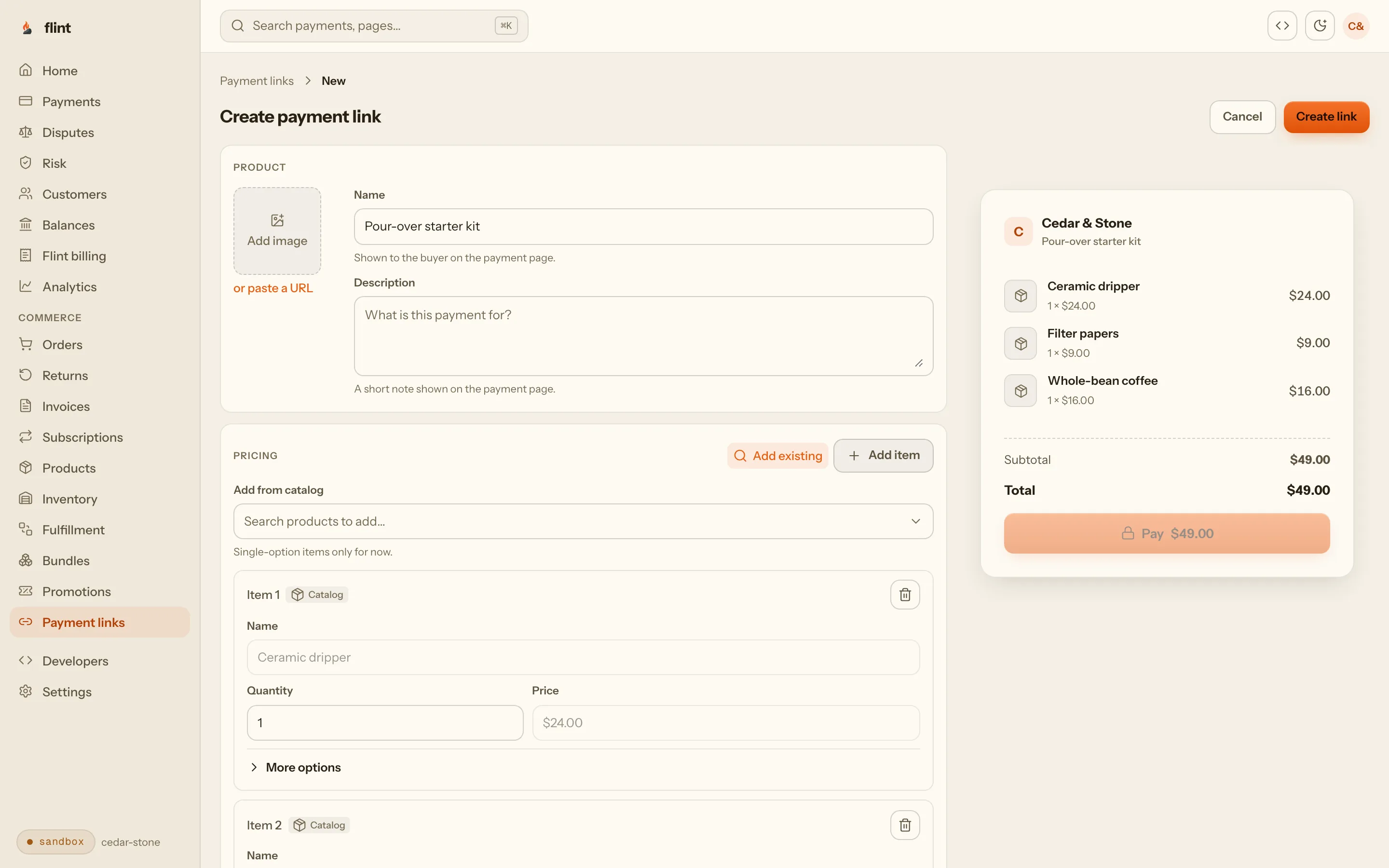
The receipt Flint emails the collector, and the order you pack from.
Editions that stop
Set the edition size per print size. The last one sells once, even when two collectors pay together.
Deposits for commissions
A link for the deposit when they say yes, and an invoice with reminders for the balance.
No monthly fee
3.79% + 35¢ per card payment, and nothing to list a piece or set up.
01Your own link
Keep more of each sale than a marketplace leaves you.
A marketplace brings shoppers who search it, and charges on every sale. When a collector already follows you, from Instagram, a show, or your site, a link sells to them directly, with no marketplace fees.
| One 11 × 14 in print, shipped | Etsy | Flint link | |
|---|---|---|---|
| 11 × 14 in print and $8.00 shipping | $73.00 | $73.00 | |
| Listing fee, $0.20 when it sells | $0.20 | $0.00 | |
| Transaction fee, 6.5% of item and shipping | $4.75 | $0.00 | |
| Card processing: Etsy 3% + 25¢, Flint 3.79% + 35¢ | $2.44 | $3.12 | |
| You keep | $65.61 | $69.88 | |
No fee to list. Etsy charges $0.20 to list each item, renewed every 4 months and again each time one of several sells, according to its fees policy. A Flint link costs nothing until someone pays.
No cut on top of processing. Etsy takes 6.5% of the price and the shipping, then 3% + 25¢ to process the card. Flint charges one card rate, 3.79% + 35¢, and nothing else on the sale.
The collector is yours. Every order has the buyer’s name and email, so you can tell them about the next release yourself.
Already on Etsy? Keep it for the shoppers who find you there, and put Flint links everywhere you send people yourself. The Etsy fee calculator works out any order.
02Prints and editions
Every size on one link, and an edition that ends where you say.
Make a print one product with a variant for each size. Each size has its own price and, for a limited edition, its own count.
Sizes as variants
Add a size option, then a variant per size with its price: 8 × 10 in at $45, 11 × 14 in at $65, 18 × 24 in at $140. On the link, Let buyers choose shows a button for each size.
Limited editions
Turn on stock for the sizes you limit and enter the edition: 50 of the 11 × 14, 25 of the 18 × 24. Flint holds a print while a collector pays, so the last of an edition sells once.
Open editions
Leave stock off for a size you print to order, and it sells for as long as the link is on. Mix both on one link: a small open print beside limited large ones.
Sold out, size by size
When a size reaches its edition, checkout shows it as Sold out and the other sizes keep selling. You don't edit the link.
Sales at shows
Sold a few at a fair from your own stack? Record them with Adjust stock, and the online edition count stays right.
A release window
Give a link a sales end, such as Sunday at midnight for a weekend release, and it stops taking payments then.
Flint counts the edition. It doesn’t number individual prints, so write the number on each one as you pack it, in the order the sales arrive in your dashboard.
03Originals
A one-of-one sells once.
An original is a link that takes one payment. Set Limit number of payments to 1, or track its stock at 1, and nobody pays for a painting that's already gone.
Two collectors, one painting. Flint counts payments that are in progress as well as finished ones, so if two people try to buy the original at the same moment, only one payment goes through.
Delivery that fits the piece. Each link offers only the delivery options you pick. A large original can offer crated shipping and studio pickup and leave out the flat rate you use for prints.
Sold, in your words. Turn the link off with an inactive message, such as “Slack Water has found a home. Prints are on my site.” The address stays the same, so a link in an old post or newsletter still says something useful.
Ask for a phone number. Make phone required on links for large pieces, so you can arrange delivery or a studio visit.
04Shipping and pickup
Tubes, crates, or a visit to the studio.
Set up your delivery options once, with your own rates and names. Checkout asks for the address when a collector picks shipping and adds your rate to the total.
A rate per kind of piece
Make as many shipping options as you need, such as $8.00 for a print in a tube and $120.00 for a crated canvas, and offer each on the links it fits.
Studio pickup
Add a pickup option with your address and the days you're open. Collectors who live nearby pay nothing for delivery, and the order says they're coming.
Tracking by email
Mark an order shipped with the tracking number, and Flint emails the collector the tracking link.
05Commissions
A deposit when they say yes, and the balance when it's done.
Commissions are priced one at a time, so each gets its own link or invoice. Both land in Orders with the client's name and email.
The deposit. Make a payment link for this commission, named for it, at the deposit you agreed: $600.00 on a $1,200 portrait at 50%. Send it in the email or DM thread where you agreed the work. You start once it’s paid.
Or let them choose the amount. On a standing commission link, turn on Let the buyer name the price with a minimum, such as a $250 floor for any deposit, and link it from your commissions page.
The balance. When the piece is done, open Invoices, choose New invoice, and send the balance to the client’s email with a due date. Flint emails them a page to pay by card, or by bank account if you turn it on, and sends the reminders you set in Settings. Invoices add 0.40% of what they collect.
Your terms where they pay. Put your commission terms, such as whether the deposit is refundable, in the link’s description or the invoice memo. For a deposit and balance on one invoice, and wording for deposit policies, read take deposits online.
Deposit by link
$600.00 by card. Flint's fee is $23.09.
Balance by invoice
$600.00 by card. Flint's fee, with the invoice add-on, is $25.49.
Reminders
Before and after the due date, on the schedule you set once for every invoice.
Refunds
If a commission falls through, refund all or part of the deposit from its order.
06A month, worked out
Low Tide Studio's release month.
A painter releases prints of Slack Water, sells the original, and finishes one commission. Every figure is computed from Flint's rate card.
Release night. One product with three sizes: 8 × 10 in at $45, open; 11 × 14 in at $65, edition of 50; 18 × 24 in at $140, edition of 25. The link goes out in the newsletter and the Instagram bio, with $8.00 shipping in a tube or free pickup at the studio.
That month. 42 prints sell, 34 shipped and 8 picked up at an open studio day. The studio exports the month’s orders as a CSV file for its bookkeeper.
The original. Slack Water sells for $1,800 with $120.00 crated shipping, on a link limited to one payment. The studio turns the link off with a note pointing to the prints.
The commission. A $1,200 portrait, booked with a $600.00 deposit link and finished with a $600.00 invoice.
| The month, in dollars | ||
|---|---|---|
| 42 prints of Slack Water: 14 at 8 × 10 in, 22 at 11 × 14 in, 6 at 18 × 24 in | $2,900.00 | |
| Shipping on 34 print orders at $8.00 | $272.00 | |
| The original, with $120.00 crated shipping | $1,920.00 | |
| A commission: $600.00 deposit by link, $600.00 balance by invoice | $1,200.00 | |
| Collected | $6,292.00 | |
| Flint fees on every payment | $256.70 | |
| Paid out to the studio's bank | $6,035.30 | |
07Setting it up
From sign-up to your first sale.
Everything here is in the Flint dashboard. No developer and no code.
- 01
Add each piece as a product
In the Flint dashboard, open Products and create a product for each piece. For prints, choose Add option for size, then Add variants to give each size its price. Turn on Track stock for these variants and enter the edition size for each limited size. Leave stock off for an open edition.
- 02
Set your delivery options
Under Delivery setup, add the ways a buyer can get their art: a flat rate for prints in a tube, a higher rate for a crated original, and pickup at your studio with the days you're there.
- 03
Make a payment link for each piece
Under Payment links, choose New and add the product. For prints, choose Let buyers choose and tick the sizes to offer. Pick the delivery options that fit the piece, and write an inactive message for when it sells out.
- 04
Share the link
Put the link behind a Buy button on your portfolio site, in your Instagram bio or a newsletter, or print its QR code on the wall label at your open studio.
- 05
Take commissions with a deposit
When a client agrees to a commission, make a link for the deposit with the amount you agreed, and send it. When the piece is done, send the balance as an invoice from Invoices, with a due date and reminders.
Have a portfolio site? Paste each link into the piece’s Buy button. Squarespace and Framer each have a page on how.
Selling from Instagram? Read sell on Instagram for bio links, Stories, and DMs.
Selling a workshop or a class? Read event tickets.
08Pricing
What it costs.
Per payment
3.79% + 35¢ per card payment, including Apple Pay and Google Pay. On a $73.00 shipped print, that is $3.12.
Per month
No monthly fee and no setup fee. No listing fees, and nothing per product. Payment links, stock, delivery options, and orders are included.
Invoices and refunds
Invoices add 0.40% of what they collect. Refunds cost nothing extra, though the fee on the original payment isn't returned.
Every rate is on the pricing page.
09Start
Put your next release on a link.
Sign up, add one print with its sizes, and make its link. Open it on your own phone to see what a collector sees, then share it.
3.79% + 35¢ on cards · no monthly fee · free sandbox · no credit card
Then read these
- 01Payment linksEverything a link can sell, and how it works.
- 02Take deposits onlineDeposits, balances, and policy wording.
- 03Etsy feesEvery Etsy fee, with a calculator.
- 04Payment links guideEvery option on a link, in detail.
Sources
Where the outside facts come from.
Etsy charges a $0.20 listing fee per item listed, renewed every 4 months or when an item sells, and a 6.5% transaction fee on the item price plus what you charge for shipping and gift wrap. Etsy Fees & Payments Policy
www.etsy.comFor sellers in the United States, Etsy's payment processing fee is 3% + $0.25 of the order total. Etsy Payments Policy
www.etsy.com
last reviewed 2026-11-21 · corrections: Flint Help
FAQ
Questions artists ask first.
How do I sell my art online without Etsy?
Add each piece to Flint as a product, make a payment link for it, and share the link: behind a Buy button on your portfolio site, in your Instagram bio, in a newsletter, or as a QR code at a show. Buyers pay by card, Apple Pay, or Google Pay on a checkout page with your studio's name, and every sale becomes an order with a receipt. You pay the card rate on each sale and nothing per listing or per month.
How do I sell a limited edition of prints?
Make the print one product with a variant for each size, and turn on Track stock with the edition size as the count, such as 50 of the 11 × 14. Flint holds a print while a buyer pays, so the last one in the edition sells once. When a size runs out, checkout shows it as Sold out and the other sizes keep selling. For an open edition, leave stock tracking off.
How do I sell an original painting online?
Make a link for the original and set Limit number of payments to 1, or track its stock at 1. Once it sells, the link stops taking payments. Turn the link off with your own message, such as a note that prints are available, so anyone who finds the old link still has somewhere to go.
How do I take a deposit for a commission?
Make a payment link for that commission with the deposit amount you agreed, such as 50% of $1,200, and send it by email or DM. When the piece is done, send the balance as an invoice with a due date, and Flint sends reminders until it's paid. Both payments are orders in your dashboard with the client's details.
Can collectors pick up in person instead of paying for shipping?
Yes. Add a pickup option at your studio, with the days and times you're there, beside your shipping options. Buyers choose at checkout. A shipping choice asks for their address, and the order records which they picked.
What does it cost compared with Etsy?
Flint charges 3.79% + 35¢ per card payment, no monthly fee. On a $73.00 shipped print, that is $3.12. Etsy's published US fees on the same order come to $7.39: a $0.20 listing fee, 6.5% of the item and shipping, and 3% + 25¢ processing, before any Offsite Ads fee.