
Sell on TikTok
Sell from your TikTok videos with the link in your bio.
Make a Flint payment link for your drop, put it in your TikTok bio, and tell viewers where it is. Buyers pick a color and pay by card, Apple Pay, or Google Pay. Each color stops at the number you made, even when a video sends everyone at once, and every payment is an order with a receipt. No shop to set up and no referral fee on every sale.
The receipt Flint emails the buyer, and the order you ship from.
One link in your bio
Every color on one link, so the bio never needs more than one address.
Ready for a rush
Counts per color, and payments in progress count, so the last one sells once.
No monthly fee
3.79% + 35¢ per card payment, lower than TikTok Shop's 6% on orders above $15.84.
01Where TikTok selling stands
Two ways to sell from TikTok, and the rules for each.
TikTok Shop sells inside the app, on TikTok's terms. A link in your bio sells on yours. As of November 2026, these are the rules that decide which you use.
Bio links need 1,000 followers
TikTok’s support site says you can add a website link to your profile with at least 1,000 followers, or with a Verified Business Account. Tapping it opens TikTok’s in-app browser.
TikTok Shop takes 6%
TikTok Shop’s US referral fee is 6% per order for most categories, charged on what the customer paid, shipping included.
TikTok Shop sales stay in TikTok Shop
TikTok Shop’s seller policies say sellers and creators must not redirect customers off TikTok Shop to buy, and its customer service policy bans outside links in video descriptions and messages.
Pick one path per sale. If you sell through TikTok Shop, keep to its rules there, and don’t point its customers at an outside checkout. A Flint link is for the sales you make on your own: the link in your bio, your website, your other social accounts, and customers who come back to you directly.
What your own link gives you. No referral fee, a checkout page with your name, the buyer’s email on every order so you can tell them about the next drop, and payouts to your bank on the schedule you choose.
02The bio and the videos
The video sells it. The bio link takes the payment.
A link is a web address, so it opens in TikTok's in-app browser and buyers pay without downloading anything or making an account.
One link per drop
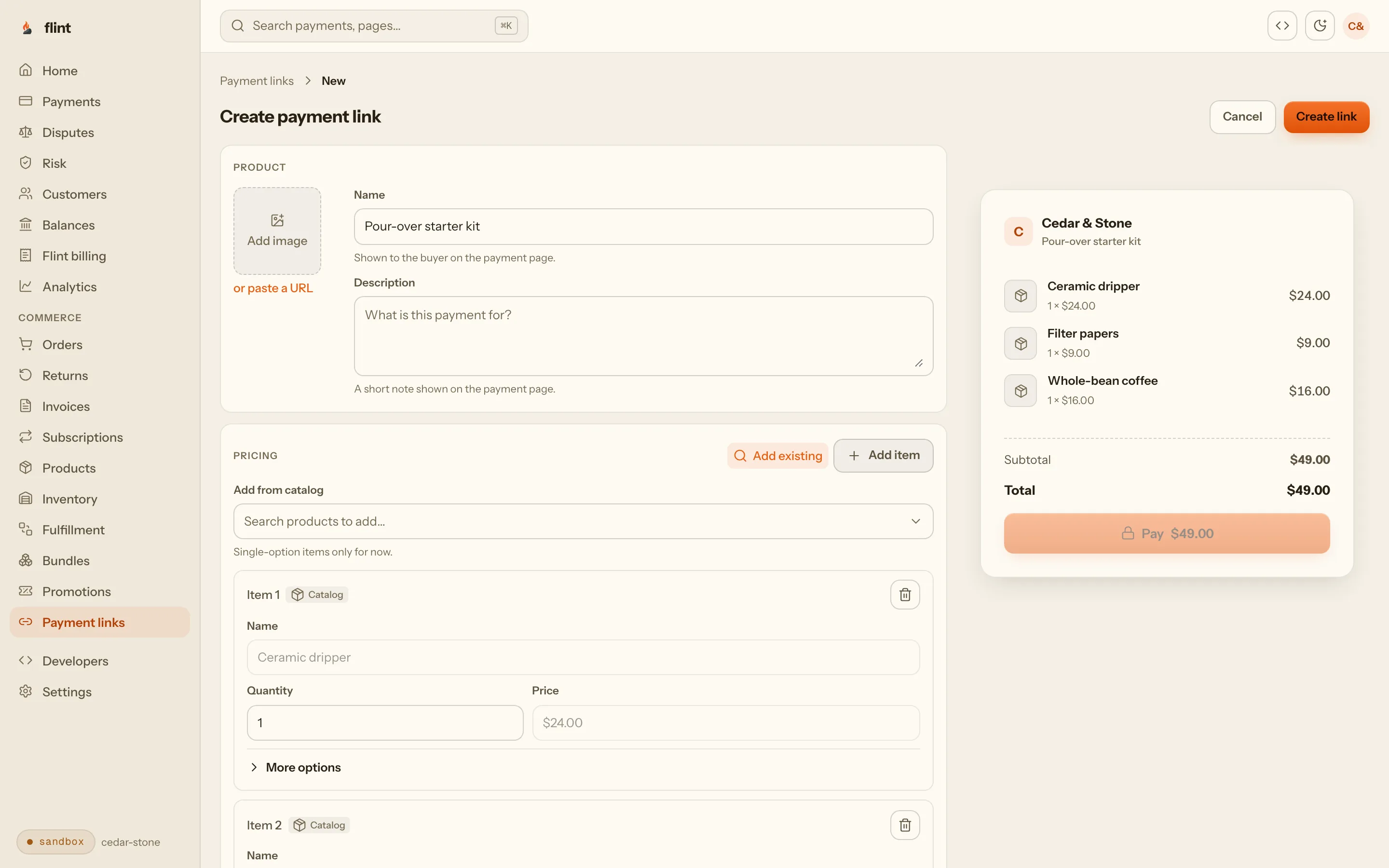
Put every color or size on one link with Let buyers choose, and paste it in your bio. Swap it for the next drop's link when that one goes up.
Say where it is
Show the piece, say the price, and tell viewers the link is in your bio. Use the same words in the caption so viewers who skip the audio find it too.
Everywhere else you post
The same link works in an Instagram bio, a Facebook post, a newsletter, and a text to a repeat customer.
In the box
Download the link's QR code for the card in every order you ship, so the next purchase comes straight to you.
03When a video takes off
Sell exactly as many as you made, even in a rush.
A video can send hundreds of people to your link in an hour. Each count stops on its own when the last one sells.
A count per color. Turn on stock tracking for each color or size and enter what you made. A color that runs out shows Sold out at checkout while the rest keep selling.
The last one sells once. Flint holds an item while a buyer pays, so two buyers paying in the same second can’t both get the final one. Nobody pays for something you then have to refund.
Or one limit for the link. For a single item, set Limit number of payments to how many you have. Raise it later if you make more.
Close it in your own words. When it’s all gone, turn the link off with an inactive message, like when the restock drops. The address stays the same, so the link in your bio shows your message instead of a dead end, and you can turn it back on.
Set an end time if you want one. A link can stop taking payments at a date and time you choose, such as Sunday night for a weekend drop.
04Shipping, orders, refunds
No more asking for addresses in the DMs.
Set up how buyers can get an order once. Every payment becomes an order with the buyer's name and email, what they bought, and how it reaches them.
Shipping or pickup
Buyers choose at checkout. A shipping choice asks for the address and adds your rate, and a pickup option gives local buyers your instructions.
Tracking by email
Mark an order shipped with its tracking number, and Flint emails the buyer the tracking link.
Receipts
Checkout asks for the buyer's email by default. Flint sends a receipt when they pay and another when you refund.
One list per drop
Each link's page shows what it collected and who bought. View in Orders lists that link's orders.
Ready for your books
Export orders as a CSV file for your spreadsheet, your bookkeeper, or tax time.
Refunds from the order
Refund the whole order or part of it, such as the item but not the shipping, and the order keeps the history.
05The fee, compared
One card rate, instead of 6% of every order.
TikTok Shop's referral fee covers every TikTok Shop fee except shipping and tax, and it's charged on the shipping the buyer pays too. On a link in your bio, Flint charges its card rate and nothing else. Flint's fee is lower on any order above $15.84.
| One shipped tote | TikTok Shop | Flint link | |
|---|---|---|---|
| One tote at $45.00, shipped for $6.00 | $51.00 | $51.00 | |
| TikTok Shop referral fee, 6% with shipping / Flint, 3.79% + 35¢ | $3.06 | $2.28 | |
| You keep | $47.94 | $48.72 | |
Bigger orders, bigger gap. TikTok Shop’s fee grows with the whole order, shipping included. Flint’s rate is 3.79% + 35¢, so the difference widens with every dollar above $15.84.
On a refund. TikTok Shop returns its referral fee less a Refund Administration Fee of 20% of it, at most $5.00 per SKU: $0.61 on this tote. Flint charges nothing to refund, and its fee on the original payment isn’t returned.
What TikTok Shop does that a link doesn’t. Checkout inside the TikTok app, and TikTok’s affiliate creators. If those sell for you, keep TikTok Shop for them, and use your own link everywhere else.
06A drop, worked out
Hook & Hollow's tote drop.
A one-person crochet shop with a TikTok following. 45 market totes in three colors, $45.00 each, announced in a video.
The week before. One product with three colors, tracked at 20 Sage, 15 Rust, 10 Cream. Shipping within the US for $6.00, and free pickup at the maker’s studio. One link with every color, turned off with a message saying when the drop opens.
Friday morning. A video of the totes being finished, ending with “link in bio, 6 PM.” At 6 PM the maker turns the link on and swaps it into the bio.
Friday night. Cream sells out first and shows Sold out; the other colors keep selling until every tote is gone. The maker turns the link off with the date of the next drop.
The next week. 40 boxes to ship and 5 pickups. The maker exports the link’s orders, prints the packing list, and marks each box shipped with its tracking number.
| The drop, in dollars | ||
|---|---|---|
| 45 totes at $45.00 | $2,025.00 | |
| Shipping on 40 orders at $6.00 | $240.00 | |
| Collected from buyers | $2,265.00 | |
| Flint fees: 40 shipped orders at $2.28, 5 pickups at $2.06 | $101.50 | |
| Paid out to the maker's bank | $2,163.50 | |
07Setting it up
From sign-up to the link in your bio.
Everything here is in the Flint dashboard and the TikTok app. No website, developer, or code.
- 01
Add what you sell as a product
In the Flint dashboard, open Products and create a product with its name and price. For colors or sizes, choose Add option, then Add variants, and turn on Track stock for these variants to count what you made of each.
- 02
Set your delivery options
Under Delivery setup, add a shipping option with your rate, and a pickup option if local buyers can collect from you.
- 03
Make one payment link for the drop
Under Payment links, choose New and add the product. Choose Let buyers choose and tick the variants to offer, pick the delivery options, and write an inactive message for when it sells out.
- 04
Put the link in your TikTok bio
In the TikTok app, tap Profile, then Edit profile, and next to Links tap Add. Paste the Flint link. TikTok offers profile links to accounts with at least 1,000 followers or a Verified Business Account.
- 05
Post, then ship from Orders
Show the product in your video and say the link is in your bio. Every payment is an order with the buyer's contact, the item, and how it reaches them. Add a tracking number when you ship and Flint emails it to the buyer.
Selling on Instagram or Facebook as well? The same links work there: sell on Instagram and sell on Facebook cover bios, Stories, posts, groups, and messages.
08Pricing
What it costs.
Per payment
3.79% + 35¢ per card payment, including Apple Pay and Google Pay. On a $51.00 shipped order that is $2.28.
Per month
No monthly fee, no setup fee, and no website or theme to pay for. Payment links, stock, orders, receipts, and delivery options are included.
Refunds
Flint charges nothing to refund. The fee on the original payment isn't returned.
Every rate, including invoices and optional add-ons, is on the pricing page.
09Start
Put your next drop in your bio.
Sign up, add one product, and make its link. Open it from your own bio first to see exactly what your buyers will see, then post the video.
3.79% + 35¢ on cards · no monthly fee · free sandbox · no credit card
Then read these
- 01Payment linksEverything a link can sell, and how it works.
- 02Sell on InstagramBio links, Stories, and DMs.
- 03Preorders with local pickupTake orders ahead and hand them over on a set day.
- 04Payment links guideEvery option on a link, in detail.
Sources
Where the outside facts come from.
You can add a website link to your TikTok profile if you have at least 1,000 followers or a Verified Business Account. Tapping a profile link opens TikTok's in-app browser. TikTok Support: Adding a website link to your profile
www.tiktok.comTikTok Shop charges a referral fee of 6% per order, which covers all TikTok Shop fees except shipping and tax. On a refund, TikTok keeps a Refund Administration Fee of 20% of the referral fee, capped at $5.00 per SKU. TikTok Shop Referral Fee Updates
seller-us.tiktok.comMost categories pay 6%, a few jewelry and pre-owned categories pay 5%, and the fee is calculated on the customer's payment plus platform discounts, less tax, including the shipping the customer paid. TikTok Shop Referral Fees by Category
seller-us.tiktok.comSellers and creators must not redirect customers off TikTok Shop to complete purchases or transactions on other platforms. TikTok Shop Fraudulent Order Prevention Requirements
seller-us.tiktok.comProhibited behaviors include sending customers third-party links or QR codes, and prompting customers to purchase through external links in video and product descriptions or direct messages. TikTok Shop Customer Service Policy
seller-us.tiktok.com
last reviewed 2026-11-21 · corrections: Flint Help
FAQ
Questions sellers ask first.
How do I sell on TikTok without TikTok Shop?
Make a Flint payment link for what you're selling and put it in your TikTok bio. Show the product in your videos and tell viewers the link is in your bio. Buyers tap it and pay by card, Apple Pay, or Google Pay on a checkout page with your shop's name, and every payment becomes an order in your Flint dashboard with the buyer's contact and how they want the item delivered.
How many followers do I need to put a link in my TikTok bio?
TikTok's support site says you can add a website link to your profile if you have at least 1,000 followers, or if you have a Verified Business Account. Add it under Profile, Edit profile, then Add next to Links.
Can I send TikTok Shop customers to my own checkout?
No. TikTok Shop's US policies say sellers and creators must not redirect customers off TikTok Shop to complete purchases, and they list third-party links, QR codes, and prompts to buy through external links in video descriptions or messages as prohibited. If you sell through TikTok Shop, follow its rules there. A Flint link is for the sales you make on your own: from your bio, your website, other social accounts, and repeat customers.
How much does TikTok Shop charge compared with Flint?
TikTok Shop's US referral fee is 6% for most categories, charged on what the customer paid including shipping. Flint charges 3.79% + 35¢ per card payment with no monthly fee. On a $51.00 shipped order, that is $3.06 on TikTok Shop and $2.28 on Flint. Flint's fee is lower on any order above $15.84.
What happens when a video takes off and everyone orders at once?
Track stock for each color or size with the count you made. Flint holds an item while a buyer pays, so two buyers paying at the same moment can't both get the last one. A color that runs out shows Sold out at checkout and the rest keep selling. When it's all gone, turn the link off with your own message, such as when the restock drops.
Do buyers get a receipt?
Yes. Checkout asks for the buyer's email unless you turn that off, and Flint emails a receipt when they pay and another if you refund them. When you mark a package shipped with a tracking number, Flint emails the tracking link too.